
How to Report Bugs in Astute Beta Server Step by Step Online
Beta servers are made for testing unfinished features. This means you may face crashes, missing items, login errors, broken controls, or features that do not work as expected.
Reporting these problems can help the team understand what went wrong. However, a message like “the app is broken” is not enough. A useful report should explain the problem, your device details, and the exact steps that caused it. This guide explains how to Report bugs in Astute Beta Server early and safely. Learn how to report bugs in Astute Beta Server with this step-by-step guide. Submit bug reports correctly to help improve gameplay and fix issues faster today.

Quick Answer
To Report bugs in Astute Beta Server, collect a screenshot or short video, note your app version and phone model, and write the exact steps that caused the problem. You can then use the contact form or community channel provided by the Astute Beta Server website. Its contact page accepts technical issues and asks users to explain the nature of their inquiry.
Never include your password, OTP, payment details, or private login information in a bug report.
What Is a Bug in Astute Beta Server?
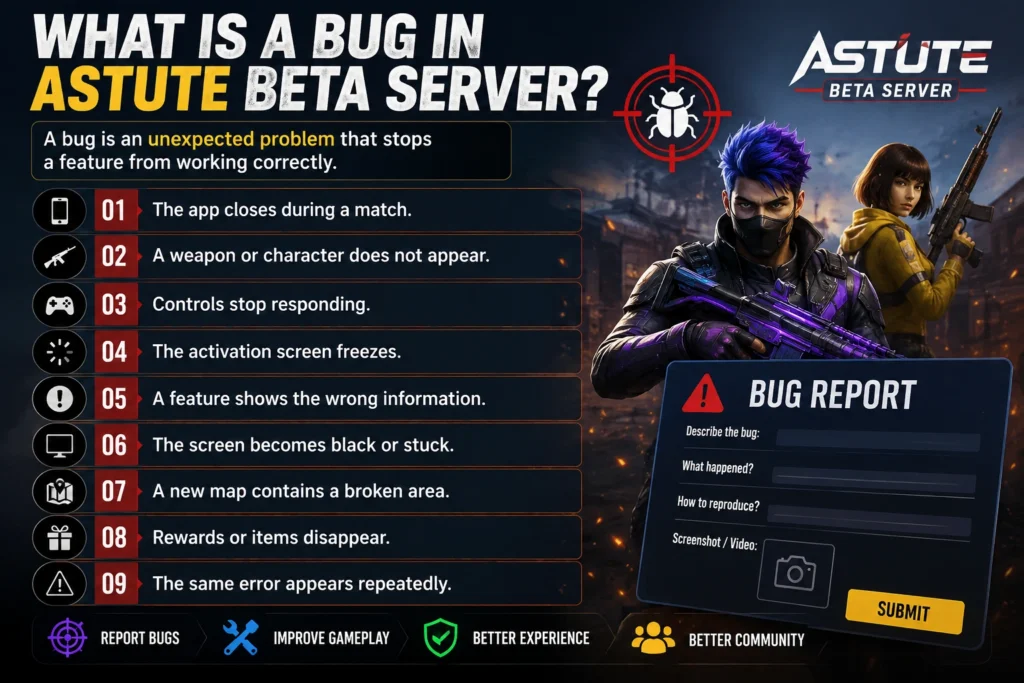
A bug is an unexpected problem that stops a feature from working correctly. Common examples include:
The app closes during a match.
A weapon or character does not appear.
Controls stop responding.
The activation screen freezes.
A feature shows the wrong information.
The screen becomes black or stuck.
A new map contains a broken area.
Rewards or items disappear.
The same error appears repeatedly.
Astute Beta Server is presented as an experimental testing environment, so errors, crashes, and server interruptions may happen more often than in a stable game version. The same site also states that it is usually shared as a third-party APK and is different from Garena’s official Advance Server.
Where Can You Report bugs in Astute Beta Server?
The Astute Beta Server contact page provides a form for technical problems, feedback, and general questions. It also refers users to its community channels for updates and discussions. Use the reporting option provided by the same trusted source from which you received your APK. Different versions may be managed by different websites or groups.
If the problem happens in the official Free Fire game rather than Astute Beta Server, use Garena’s official Customer Service system. Garena separates Bug Reports from other technical and account issues.
Check the Problem Before Reporting It
Before submitting a report, confirm that the problem is an actual bug and not a temporary device or connection issue.
Close the app completely and remove it from recent applications. Open it again and repeat the same action.If the issue disappears, it may have been a temporary error.
A restart clears temporary background processes and can fix minor app problems.
Switch between Wi-Fi and mobile data. Turn off any VPN or proxy, then test the app again. If the problem disappears on another connection, report it as a connection issue rather than a general game bug.
An old APK may contain errors that have already been fixed. Check whether a newer version is available from the same source. Do not download updates from random comments, unknown groups, or pop-up advertisements.
Low storage can cause crashes, failed downloads, and missing game files. Free some space and test the app again. Garena’s own bug-reporting guidance recommends restarting the device, checking free storage, using a stable connection, and confirming whether the problem remains before submitting a report.
Collect the Important Bug Details
A complete Report bugs in Astute Beta Server helps the person reviewing it reproduce the error. Include the following information.
A Clear Bug Title:
Keep the title short and specific.
Weak title: Game not working
Better title: App crashes when opening the new weapon menu
A clear title lets the reviewer understand the main issue immediately.
Your Device Details Mention:
Phone brand and model
Android version
Available storage
RAM, when known
For example:
Device: Samsung Galaxy A24
Android version: Android 14
Free storage: 8 GB
Official Garena bug reports also request the device brand, model, operating system, and game version.
Your Astute Beta Server Version:
Write the exact version number shown in the app settings, download page, or APK information. Do not simply write “latest version.” A newer update may have appeared after you downloaded the app.
Steps to Reproduce the Bug
Explain exactly what you did before the problem appeared.
For example:
The steps should be simple enough for another person to follow.
Expected and Actual Results
Explain what you expected to happen and what happened instead.
Expected result: The skill information should open.
Actual result: The screen turns black and the app closes.
This makes the problem much clearer than saying that the feature is broken.
How Often It Happens
State whether the bug happens:
Garena specifically asks users to explain how often a bug occurs and how it can be reproduced.
Add a Screenshot or Screen Recording
Visual proof can show an error message, broken screen, missing item, or crash point.
On many Android phones, you can take a screenshot by pressing the Power and Volume Down buttons together. Android also provides a Screen Record option in Quick Settings on supported devices.
When recording:
Start before opening the affected feature.
Show every step that causes the bug.
Keep the recording short.
Stop after the error appears.
Check that private notifications are not visible.
A short, focused video is more useful than a long recording with unrelated gameplay.
How to Submit the Report bugs in Astute Beta Server
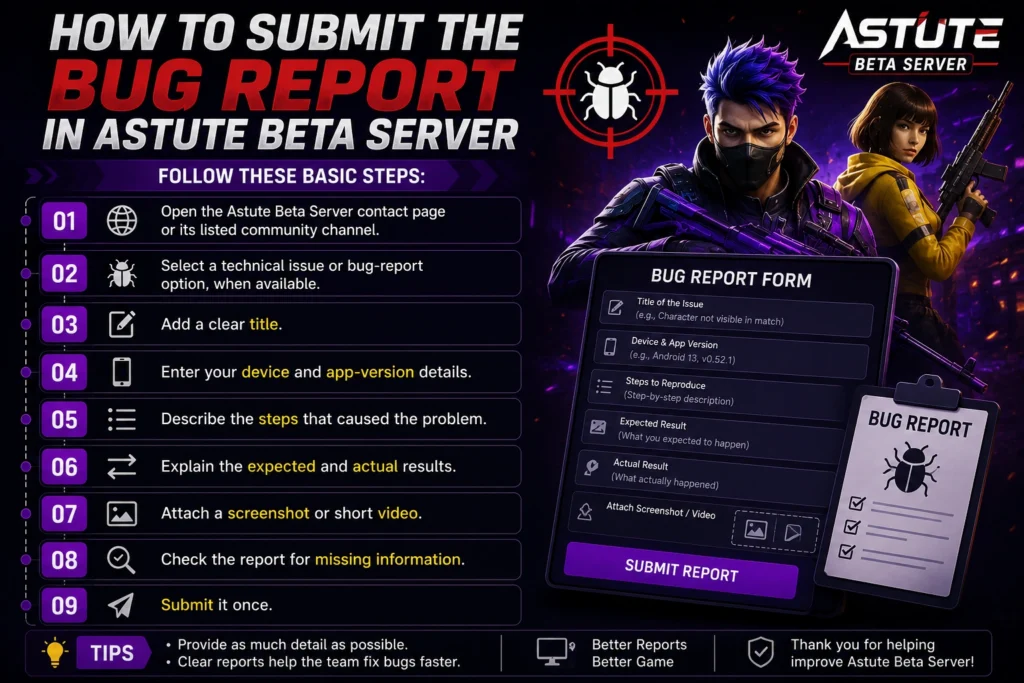
Follow these basic steps:
Open the Astute Beta Server contact page or its listed community channel.
Select a technical issue or bug-report option, when available.
Add a clear title.
Enter your device and app-version details.
Describe the steps that caused the problem.
Explain the expected and actual results.
Attach a screenshot or short video.
Check the report for missing information.
Submit it once.
Do not send the same report many times. Duplicate reports can make review more difficult.
Astute Beta Server Bug Report Template
Copy and complete this template to Report bugs in Astute Beta Server:
Steps to reproduce:
Expected result:
[Explain what should happen.]
Actual result:
[Explain what happens instead.]
Error message:
[Copy the exact message, if shown.]
Attachments:
[Screenshot or video included]
Extra information:
[Add any detail that may help.]
What Should You Avoid Including?
Do not share sensitive information in your report. Never include:
Account password
Google or Facebook password
OTP or verification code
Recovery email password
Payment-card information
Private messages
Home address
Unrelated personal photos
You may hide your email address, notifications, and other personal details before uploading a screenshot.
Do Not Exploit the Bug
After finding a bug, avoid repeating it to gain rewards, enter restricted areas, duplicate items, or gain an unfair advantage. Record enough evidence to explain the problem, then stop using it.
Garena’s current abuse policy states that exploiting game bugs instead of reporting them may lead to temporary or permanent account suspension. It also warns against unauthorized programs and modified clients.
Because Astute Beta Server appears to be a third-party service, avoid connecting your main Free Fire account unless you can verify that the app is safe.
Common Bug-Reporting Mistakes
Avoid these common problems:
Report one problem at a time. Create another report when you discover a different bug.
What Happens After You Report bugs in Astute Beta Server?
The team may review your evidence and try to reproduce the problem. They may ask for more details or include a fix in a later update. Not every bug can be repaired immediately. Garena also notes that reported bugs may take until a future patch to resolve.
Keep your screenshot and report details until the problem is fixed. Check later versions to see whether the bug still appears.
FAQS About Report bugs in Astute Beta Server
Final Verdict
Learning how to report bugs in Astute Beta Server is simple when you collect the right information. First, confirm that the issue is not caused by your internet, storage, or an outdated app version. Then write a clear report with your device details, exact reproduction steps, expected result, actual result, and a screenshot or short video. Avoid vague messages and never share passwords or private account details.
A detailed report gives the reviewer a better chance of finding and fixing the problem. Most importantly, do not exploit any bug you discover. Report it responsibly and wait for a safer updated version.